OSHA training software: a 12-point checklist before you buy
OSHA approves no software, so the choice rests on twelve practical questions about records, renewal cycles, hands-on training and content. Here they are, with our own answers.

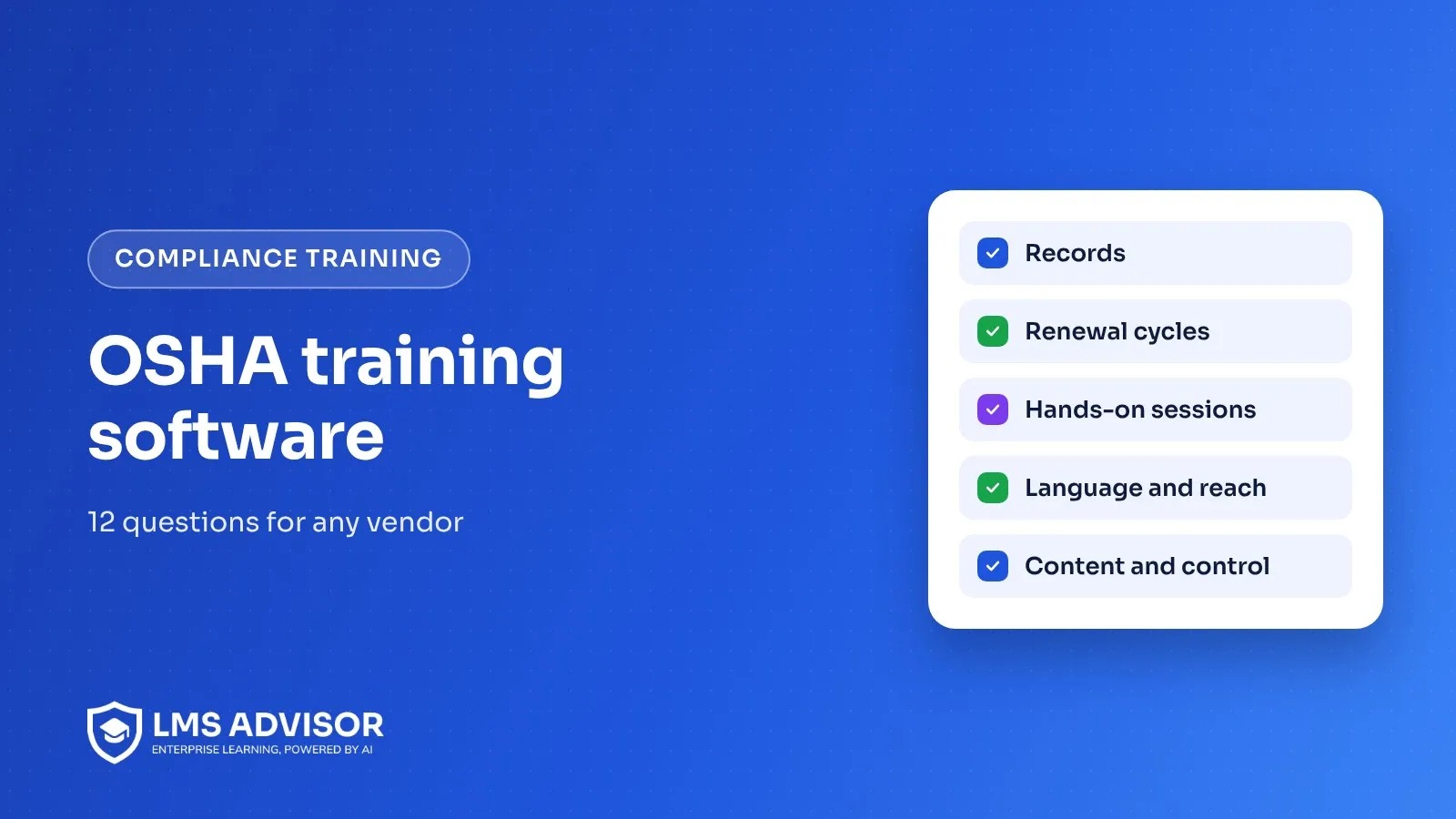
OSHA training software is any system an employer uses to deliver safety training and keep the records that OSHA standards ask for. It is usually a learning management system, sometimes sold with a library of safety courses. OSHA does not approve or certify any of it, so the buying decision comes down to twelve practical questions, which this checklist sets out.
We build LMS Advisor, one of the systems you might consider, so read this knowing that. The questions are written to be asked of any vendor, us included, and the last section says which ones we answer "no" to. This is general information and not legal advice.
What is OSHA training software, and what is it not?
It is software that assigns safety training to the right people, delivers the parts that can be delivered on a screen, records the parts that happen in person, and reports who is current and who is not.
It is easy to expect too much from it. Four things it is not:
- Not OSHA-approved. OSHA does not approve, certify or endorse training software or courses. A vendor that says its LMS is "OSHA certified" is using a phrase with no meaning.
- Not the same as OSHA 10 and 30. Those cards come from the Outreach Training Program. OSHA describes it as voluntary and says it "does not fulfill the training requirements found in OSHA standards." Online Outreach courses come only from the providers on OSHA's authorized list.
- Not a safety management system. Incident reporting, inspections, hazard registers and permits to work belong to EHS software. Some vendors sell both. Many LMS products, ours included, do training only.
- Not compliance. Software records that training happened. Whether the training was right for your hazards, and whether the workplace is safe, is still the employer's job.
Which three types of product will you be offered?
| Type | What you get | Suits | Watch for |
|---|---|---|---|
| Safety content provider with its own LMS | A library of safety courses and a system to assign and track them | Employers with no courses of their own | Whether you can add your own courses, and whether the library plays anywhere else |
| General LMS | A system for any training, with your content or bought packages | Employers with site-specific procedures and several training programs | Whether it records hands-on sessions, and where safety courses will come from |
| EHS suite with a training module | Training beside incidents, inspections and chemical management | Larger sites that want one safety system | How deep the training module is compared with a dedicated LMS |
Our comparison of the best LMS for safety training and OSHA compliance names ten products across these three types.
The 12-point OSHA training software checklist
Each question has a reason behind it, usually a line in a standard. Ask the vendor to show you, not tell you.
Records
- Can one record hold the training date, the evaluation date and the evaluator's name? The forklift standard, 29 CFR 1910.178(l)(6), asks for a certification with the operator's name, the date of training, the date of evaluation and the identity of the people who did them. A single "completed" date falls short.
- Can it keep a signed document against a worker? The confined space standard, 29 CFR 1910.146(g)(4), asks for the signatures or initials of the trainers. That means either an electronic signature or an uploaded scan.
- Can it record the trainer's qualifications and the session content? Bloodborne pathogens training records under 29 CFR 1910.1030(h)(2) include a summary of the session, the trainer's name and qualifications, and attendees' names and job titles, kept for 3 years.
- Can you export everything about one worker, fast, without the vendor? Ask for CSV or PDF, and ask about row limits and date-range limits.
Cycles
- Does renewal follow each person's own date? Annual topics such as respirators under 29 CFR 1910.134(k)(5) fall due a year from each person's last training, not on one company-wide day.
- Can it handle different intervals? One year for some topics, three years for forklift evaluations and process safety refreshers.
- How do you retrain after a change? Lockout/tagout under 29 CFR 1910.147(c)(7)(iii) calls for retraining when job assignments, machines or procedures change. Ask to see a course reassigned to one group, with both the old and the new completion kept.
Delivery
- Does it record classroom, toolbox and practical sessions? Much safety training never happens on a screen. If the system only tracks online courses, the rest stays on paper.
- Can workers ask a qualified person questions? The bloodborne pathogens standard requires an opportunity for interactive questions and answers with the person conducting the training. A video with no route to a trainer does not provide that.
- Can each worker take it in a language they understand? OSHA's policy statement says required training must be in a manner and language employees understand. Ask how translations are made and who checks them.
- Does it work on the floor? A phone, no company email, weak signal. Ask what works offline, and be precise: lessons, quizzes and attendance are often treated differently.
Content and control
- Where do the courses come from, and can they leave? If the vendor supplies a library, ask who writes it, how it is updated when a rule changes, and whether you can upload your own SCORM courses. If you bring content, ask which formats play. Either way, ask how you get your records out if you move.
What are the red flags in a vendor demo?
- "OSHA approved" or "OSHA certified". For software, there is no such status.
- "Guaranteed compliance." No vendor can promise that. Compliance depends on your hazards and your workplace.
- "OSHA 10 included" from a company that is not on OSHA's authorized list and does not name the authorized provider it resells.
- 100% online for everything. Standards that need practical training or a workplace evaluation cannot be met by a video alone.
- Completion as the only measure. No scores, no attempts, no record of who failed.
- A library you cannot see before signing. Ask to take two full courses, one of them in your second language.
How much setup should you expect?
Less than most people fear for the software, and more than they expect for the content and the data. A sensible order:
- List the standards that apply and who is exposed, using a table such as our OSHA general industry training requirements.
- Load your people with job title, site and language, since assignments depend on those three fields.
- Start with the three topics that carry the most risk or are most overdue, not all of them.
- Enter last year's training dates so renewals fall on the right day.
- Train supervisors to record a session on a phone. That step decides whether hands-on training gets captured at all.
For the planning side, our workplace safety training guide covers topics, drills and records.
How does LMS Advisor answer the checklist?
| Question | LMS Advisor |
|---|---|
| 1. Training date, evaluation date, evaluator | Partly. The online course and the classroom session each carry their own date and trainer. A separate evaluation is recorded as a session or as an uploaded form. |
| 2. Signed document on the record | By upload. An assignment holds the scanned or photographed form. There is no electronic signature. |
| 3. Trainer qualifications and content | The session has a trainer and a description. Qualifications are entered as text or attached, not as a dedicated field. |
| 4. Export per worker | Yes. A transcript per person, and reports to CSV, Excel and PDF. |
| 5. Renewal on each person's date | Yes. Certificate validity runs from each completion. |
| 6. Different intervals | Yes. Validity is set in months per course. |
| 7. Retraining after a change | Manual. An admin reassigns the course to the group. Earlier completions stay on the transcript. |
| 8. Classroom and toolbox sessions | Yes. Sessions with QR check-in or a printable sign-in sheet. |
| 9. Questions to a qualified person | Yes, through live sessions on Zoom or Google Meet, classroom sessions and course forums. |
| 10. Languages | Yes. Lesson language versions, with AI translation as a draft for a person to check. |
| 11. On the floor | Partly. iOS and Android apps, sign-in by SMS code, offline video, audio and documents. Quizzes and SCORM need a connection. |
| 12. Content and exit | No library. SCORM, xAPI and cmi5 packages play, and records export. Self-hosting is available. |
So the summary is a yes or a qualified yes on the record and delivery questions, and a plain no on supplied content. LMS Advisor is not an OSHA-authorized Outreach provider, has no skills matrix or observation checklist, and holds no third-party security certification. If that profile fits, the safety training LMS page has the detail, and you can book a demo to run the checklist against it.
Frequently asked questions
What is OSHA training software?
OSHA training software is a system for assigning, delivering and recording workplace safety training so an employer can show who was trained, on what and when. It is usually a learning management system, sometimes with a safety course library.
Is there OSHA-approved training software?
No. OSHA does not approve, certify or endorse training software or courses. It authorizes named providers only for online Outreach 10-hour and 30-hour courses.
Do I need software to meet OSHA training requirements?
No. The standards ask for training and, in some cases, specific records. Paper can meet them. Software helps once you have enough people, sites or renewal dates that paper and spreadsheets start missing things.
What records should OSHA training software keep?
At least the employee's name and job, the topic, the training date, any evaluation date, the trainer or evaluator, how understanding was checked and the next due date. Some standards add items such as trainer signatures or qualifications.
Can OSHA training software replace hands-on training?
No. Standards such as the forklift rule require practical training and a workplace evaluation. Software can deliver the knowledge part and record the hands-on part, which a qualified person still has to carry out.
Does LMS Advisor include OSHA courses?
No. LMS Advisor has no course library and is not an OSHA-authorized Outreach provider. It delivers your own or purchased courses, records classroom sessions and tracks renewals.
Add lmsadvisor.com as a preferred source on Google, or open this article in your AI assistant to use it as a source.

The LMS Advisor team builds and supports an AI-powered platform for learning, exams and compliance.