
We built the LMS we kept wishing existed
For years we set up, repaired and migrated learning platforms for other organizations. The same gaps kept showing up, so we built a platform without them.
Where we started
LMS Advisor began as a services team. Training companies, enterprises and certification bodies hired us to set up learning platforms, customize them, repair them when they broke and, often, move everything to a different platform a few years later. We worked in Moodle, in WordPress with LMS plugins such as LearnDash, and in a long list of hosted SaaS tools.
That kind of work teaches you where platforms fail, because you are the person who gets the call when they do. A certification body finds that its exam plugin and its proctoring vendor disagree about who passed. A compliance manager needs completion evidence for one site and it is spread across three systems. A migration stalls because the old platform exports content in a format nothing else can read.
The pattern we kept seeing
Most organizations we worked with ran four or five tools stitched together: an LMS for courses, a separate authoring tool, an exam product, a proctoring service billed per attempt, an LRS if someone had asked for xAPI, and a handful of plugins holding the joins in place. Each piece made sense when it was bought. Together they meant duplicate user accounts, reports that never matched and a bill that grew every time another learner logged in.
Data ownership also tended to come up late. An IT review would ask where exam webcam snapshots were stored, and too often the answer was “with a vendor, in a region nobody here picked.”
What we built instead
LMS Advisor is our answer to those projects. Course authoring, interactive video, a standalone exam module with native proctoring, certificates, analytics and AI tools live in one PHP and MySQL application. You can use our cloud, or install it on your own server and keep every record, proctoring evidence included, on infrastructure you control.
Having spent so long moving content between platforms, we treated import and standards support as core features. Moodle .mbz backups and LearnDash courses import directly, and SCORM, xAPI, cmi5 and LTI 1.3 cover most of what remains.
Who it is for
- L&D, HR and compliance teams who assign required training with due dates and need to chase the people who haven’t finished.
- IT and security reviewers who want SAML SSO, SCIM provisioning, audit logs and a straight answer about where data lives.
- Training providers and certification bodies whose income depends on exams that employers and regulators believe.
How we work
We only claim what the product does. The capabilities described on this site were checked against the code. When something is missing, such as native store apps, a built-in checkout or an off-the-shelf content library, the relevant page says so.
We would rather you leave than feel locked in. Open standards and export tools are there so your content outlives any single vendor, us included.
AI has to earn its place. We put it where it saves real hours, such as first drafts of courses, question generation and grading suggestions, and a person stays in charge of what gets published or graded.
If that sounds like the kind of team you want to work with, get in touch. If another platform suits you better, we’ll tell you that too.
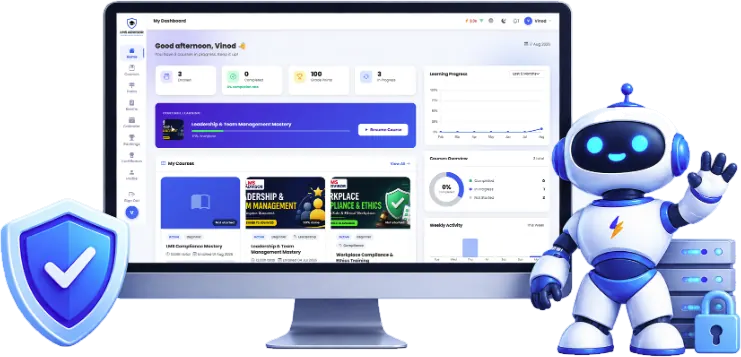
What LMS Advisor brings together
Principles that shape the product
Own your data
Learning records belong on infrastructure you chose: our cloud or a server you run yourself.
Open standards first
SCORM, xAPI, cmi5 and LTI 1.3, so the content you paid for keeps working if you ever leave.
A person approves the AI
AI drafts, people decide. Nothing AI-generated goes live on its own, and admins can switch it off.
Secure defaults
SSO, two-factor sign-in, audit logs and upload checks ship in the core product.