Virtual instructor-led training (VILT): how to design and run it
VILT is a live class taught by an instructor over video. Here is when to use it, how to plan a session people take part in, and what to record afterward.

Virtual instructor-led training (VILT) is a live class taught by a real instructor over video, with learners joining from wherever they are. Everyone is in the session at the same time, so people can ask questions, practice and get corrected on the spot. That is what separates VILT from self-paced eLearning, where each learner works alone.
We build LMS Advisor, a learning management system that schedules and records live sessions, so we see a lot of VILT programs up close. Most of the weak ones fail for the same reason: someone took a full-day classroom course and ran it unchanged on Zoom. This guide covers what VILT is good at, how to design a session people stay awake in, and what to record afterward. Where we mention our own product, we say what it does and what it leaves to the meeting tool.
What is virtual instructor-led training?
VILT is scheduled, live, instructor-led training delivered through a video meeting tool such as Zoom, Google Meet or Microsoft Teams. It has a start time, a trainer, a set group of learners and a plan for the session.
Three things make a session VILT and not a video call:
- A learning objective. The session exists so people can do something afterward that they could not do before.
- Planned interaction. Questions, polls, exercises and small-group work are written into the plan, not left to chance.
- A record. Someone knows who attended, for how long, and whether they passed the check at the end.
You will also see the terms virtual classroom, live online training and synchronous online learning. They mean the same thing in practice.
How is VILT different from webinars, eLearning and classroom training?
The four formats differ on two questions: is it live, and can the learner take part?
| Format | Live? | Typical group | Interaction | Best for |
|---|---|---|---|---|
| VILT | Yes | 6 to 20 | High: discussion, practice, breakout groups | Judgment, conversation skills, software practice with feedback |
| Webinar | Yes | 50 to several hundred | Low: chat, polls, questions at the end | Announcements, product updates, expert talks |
| Self-paced eLearning | No | One person at a time | With the content only | Facts, rules, procedures, anything repeated for many people |
| Classroom (ILT) | Yes | 8 to 25 | High, plus hands-on work | Physical skills, equipment, team building |
The group sizes are working ranges from our own experience, not a rule. Past about 20 people a live session turns into a webinar whether you planned it or not, because the trainer can no longer hear from everyone. Our guide to virtual training covers the full list of 18 online methods if you want the wider map.
When should you use VILT?
Use VILT when the skill needs a person to respond to the learner, and travel is not worth it.
Good fits:
- Manager training, where the value is in discussing real cases with peers.
- Sales and customer service role-play, in pairs in breakout rooms.
- Software training where the trainer watches a learner share their screen and corrects them.
- Onboarding sessions for remote hires, who need to meet people as much as learn content.
- Question-and-answer sessions after a self-paced compliance course.
Poor fits:
- Pure information. If the trainer talks for 50 minutes and takes two questions, record it once as a video lesson and let people watch it when it suits them.
- Physical skills. Nobody learns to operate a forklift or draw blood on a video call. The theory can be virtual. The practice cannot.
- Groups spread over many time zones. Somebody always ends up attending at 11 PM. Run two sessions or go self-paced.
How do you design a VILT session?
Design the session around what learners will do, then fill in what the trainer will say. Six steps work for most topics.
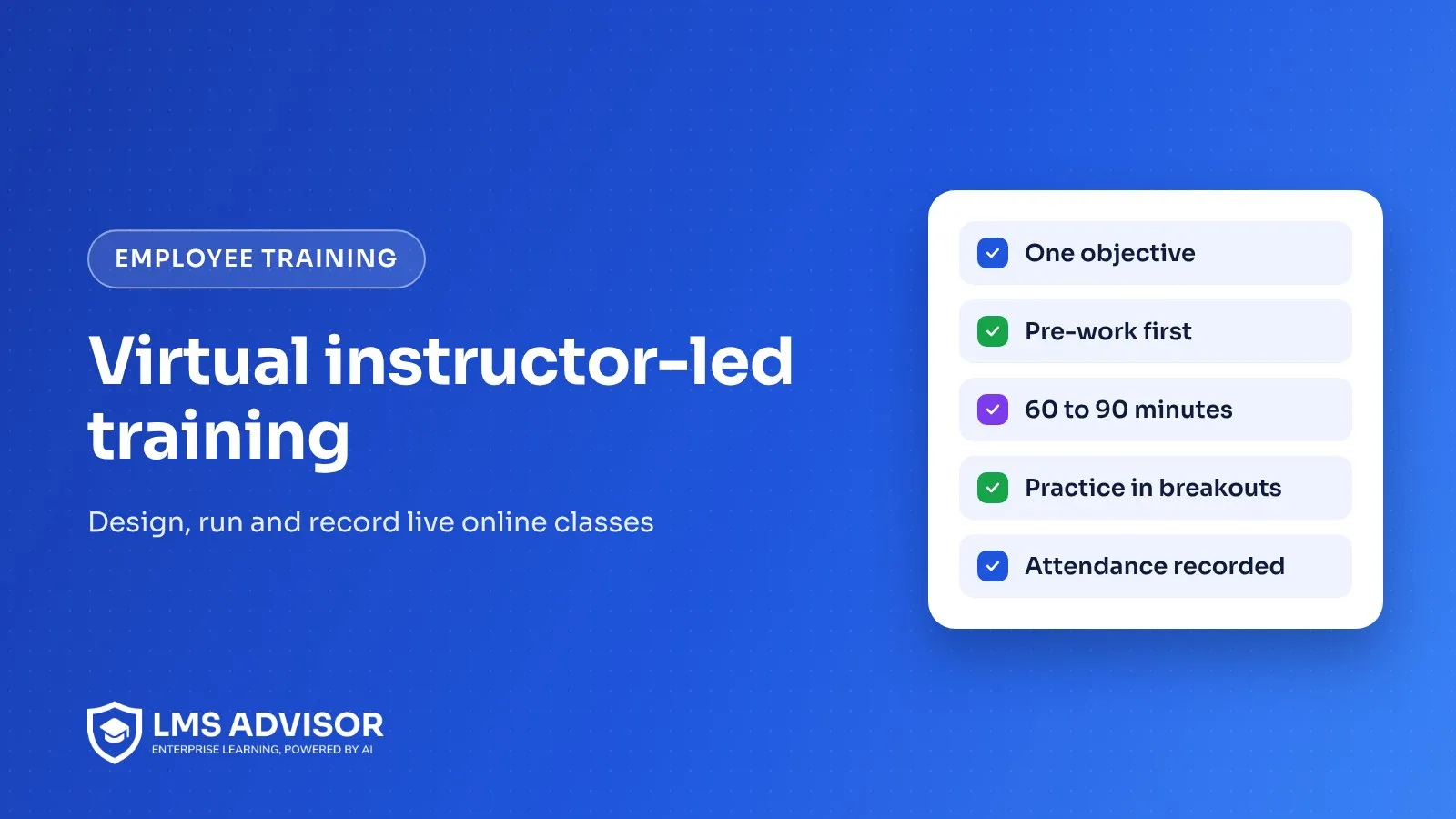
- Write one objective per session. "After this session a team lead can run a return-to-work conversation" is an objective. "Understand absence policy" is a topic.
- Move the facts out. Send a 10 to 15 minute self-paced lesson or a short reading before the session, with a three-question quiz. Live time is expensive. Spend it on practice.
- Keep it to 60 to 90 minutes. Split a full-day classroom course into three or four sessions across a week or two. People retain more, and they can try things between sessions.
- Plan an activity every few minutes. A poll, a question in chat, a short exercise, a breakout. If your plan shows 15 minutes of slides with nothing for the learner to do, cut or split it.
- Add a second person. A producer or co-host watches the chat, admits latecomers, launches polls and deals with "I can't hear anything." The trainer then gets to teach.
- End with a check and a task. A short quiz confirms the knowledge. A task to do on the job within a week, reviewed by the manager, is what turns it into a skill.
A sample 75-minute plan
| Minutes | What happens | Who is active |
|---|---|---|
| 0 to 5 | Welcome, audio check, one warm-up question in chat | Everyone |
| 5 to 15 | Review of the pre-work quiz, focus on the question most people missed | Trainer, with a poll |
| 15 to 30 | Trainer demonstrates the skill once, then again with learners calling out the next step | Trainer and group |
| 30 to 50 | Breakout rooms of three: one practices, one plays the other party, one observes with a checklist | Learners |
| 50 to 62 | Groups report what was hard, trainer coaches on two or three examples | Everyone |
| 62 to 70 | Short quiz | Learners |
| 70 to 75 | On-the-job task explained, date of the next session | Trainer |
What does VILT look like in practice?
The three examples below are hypothetical. We wrote them to show how the design choices play out, and they do not describe real customers.
Hypothetical example 1: new managers at an insurance firm
A firm promotes about 30 people a year into team lead roles across five offices. Flying them to head office for three days is hard to justify. The L&D lead builds a six-week program: a short self-paced lesson each week, then a 90-minute VILT session for a cohort of 12 where they work through a real case from their own team. Between sessions each person tries one conversation and reports back. The final session is a recorded role-play assessed with a rubric.
Hypothetical example 2: a software rollout at a distributor
A distributor replaces its order system. Around 200 staff need to learn it in three weeks. Self-paced lessons with screen recordings cover the standard tasks. VILT is kept for the 40 people who handle exceptions such as returns and credit holds, in groups of ten, with each person sharing their screen in a practice environment while the trainer watches.
Hypothetical example 3: a compliance Q&A at a clinic group
A clinic group assigns a self-paced privacy course to all staff every year. The compliance officer adds one optional 45-minute live session per site, with no slides, where staff bring real situations. Attendance is recorded. The questions that come up shape next year's course.
What goes wrong with VILT?
- The lecture with cameras off. If nothing is asked of learners, they answer email. Plan interaction and call on people by name.
- The eight-hour day. Attention on video runs out much sooner than in a room. Split the course.
- No rehearsal. Breakout rooms, polls and screen sharing all fail the first time someone uses them live. Run the session once with a colleague.
- No attendance record. "I think she was there" does not hold up when a regulator or a client asks. Capture join and leave times.
- No follow-up. A good session with no task afterward fades within a couple of weeks.
What should you record after a VILT session?
Record enough to prove the training happened and to improve the next run:
- The session title, date, trainer and duration.
- Who was invited, who attended and for how long.
- The quiz or assessment result for each person.
- Feedback from a short survey.
- For mandatory training, the completion date and, where it applies, when it expires.
Keep these in one place with the rest of the person's training record. A meeting tool's attendance export sitting in a trainer's downloads folder is not a record anyone else can find.
Where does LMS Advisor fit, and where does it not?
LMS Advisor is the system around the live session. The meeting itself runs in Zoom or Google Meet.
| You need | What LMS Advisor does |
|---|---|
| Schedule live sessions | Live lessons inside a course, with several dates for one lesson, and webinar series that repeat daily, weekly or monthly for up to 52 sessions. Meetings are created in Zoom or Google Meet. |
| Get people to show up | Reminders 24 hours and 1 hour before, a Live Sessions page in the learner's own time zone and a private calendar feed for Google, Outlook or Apple Calendar. |
| Limit group size | Course webinars can have a set number of places with a waiting list. |
| Record attendance | Zoom attendance is marked automatically after the meeting. Google Meet attendance is marked by hand or by QR check-in. |
| Pre-work and the check at the end | Self-paced lessons, quizzes and assignments with a rubric in the same course as the live session. |
| Proof | Certificates on completion and reports that export to CSV, Excel and PDF. |
The limits. Breakout rooms, polls and whiteboards during the call belong to Zoom or Meet, not to us. There is no Microsoft Teams meeting integration, although Teams can receive notifications. Webinar registration is for enrolled learners only, so there is no public sign-up page. And LMS Advisor does not supply trainers or ready-made courses. The virtual classroom feature page has the detail, and if you mix live sessions with self-paced work, our blended learning guide shows the common models. To see it with your own program, book a demo.
Frequently asked questions
What does VILT stand for?
VILT stands for virtual instructor-led training. It means a live class taught by an instructor over a video meeting tool, with learners joining remotely at the same time.
What is the difference between ILT and VILT?
ILT is instructor-led training in a physical room, and VILT is the same idea delivered live over video. VILT removes travel and suits spread-out teams, while ILT is still needed for hands-on physical skills.
How long should a VILT session be?
Aim for 60 to 90 minutes. Longer content works better as several short sessions spread over days or weeks, with a small task between them.
How many learners should be in a VILT session?
Between 6 and 20 works for most skills training. Above that, the trainer cannot hear from everyone and the session becomes a webinar.
Is a webinar the same as VILT?
No. A webinar is mostly one-way, built for large audiences, with questions through chat. VILT is built for a small group and depends on discussion and practice.
Can LMS Advisor run VILT sessions?
It schedules them, reminds learners, records attendance and holds the pre-work, quizzes and certificates. The live meeting runs in Zoom or Google Meet, and attendance is automatic for Zoom only.
Add lmsadvisor.com as a preferred source on Google, or open this article in your AI assistant to use it as a source.

The LMS Advisor team builds and supports an AI-powered platform for learning, exams and compliance.